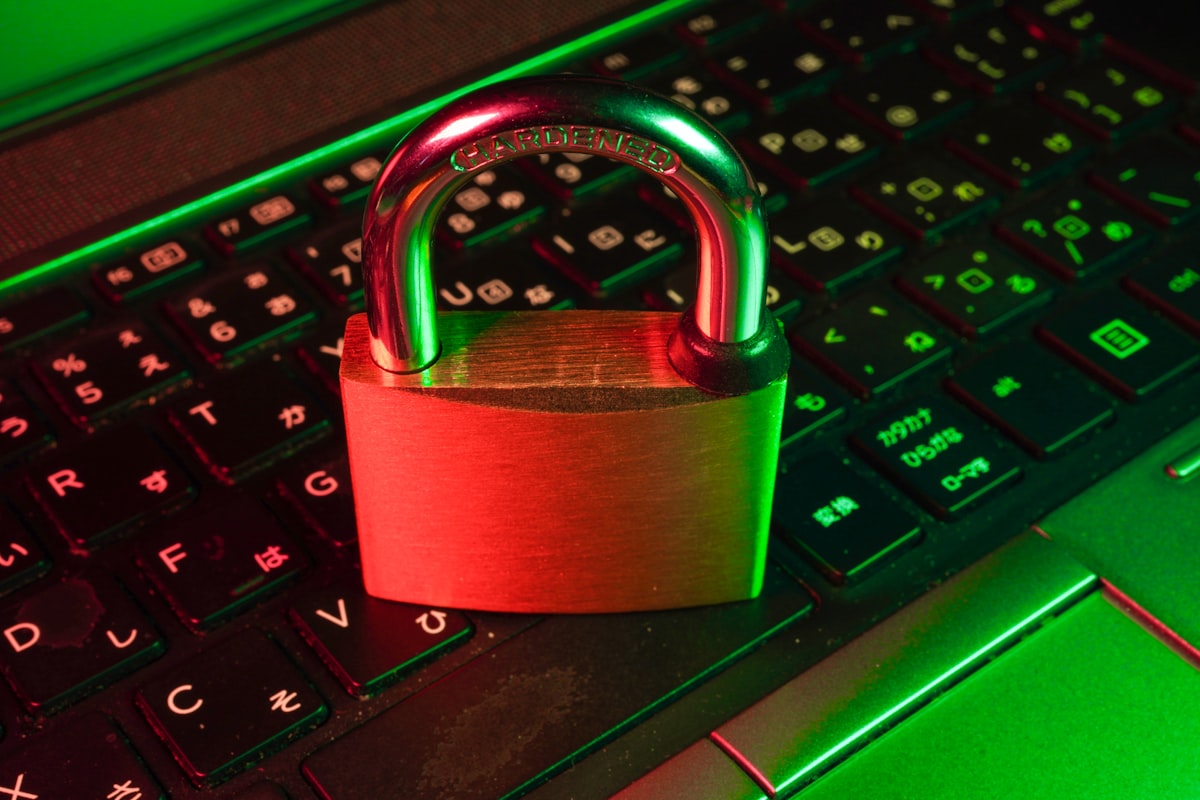
You have seen the small padlock icon beside website addresses, and you have probably encountered the stark "Not Secure" warning some browsers display. Both come down to one thing: the SSL certificate. Despite being one of the most important pieces of website security, SSL is widely misunderstood. This guide demystifies it completely — what it is, how it works, the types available, and why your website genuinely cannot do without one.
What Is an SSL Certificate?
SSL (Secure Sockets Layer — technically succeeded by TLS, though the name SSL stuck) is a technology that encrypts the connection between a visitor's browser and your website's server. Its visible effects are familiar: the address changes from http:// to https://, and the padlock icon appears.
With SSL active, any data exchanged — login details, contact-form entries, payment information — travels scrambled and unreadable to anyone who manages to intercept it. Without it, that same data crosses the internet in plain text, like a postcard anyone along the route can read.
How Does SSL Actually Work?
You do not need to be an engineer to grasp the essentials. When a visitor arrives at an SSL-protected site, three things happen behind the scenes in a fraction of a second:
- The handshake: the browser and server agree they want a secure connection and verify the certificate is valid and issued by a trusted authority.
- Key exchange: they securely establish a shared secret key that only the two of them know.
- Encrypted session: from that point on, all data is encrypted with that key, so eavesdroppers see only meaningless scrambled text.
The certificate itself is issued by a Certificate Authority (CA) — a trusted third party that vouches for your site's identity, which is why browsers trust the padlock.
Why Your Website Needs SSL — Four Compelling Reasons
1. It Protects Your Visitors' Data
This is the core purpose. Any information sent through an unencrypted site can be intercepted and read on its journey. Encryption keeps logins, personal details, and payments private — a basic duty of care you owe anyone who uses your site.
2. It Builds Trust and Credibility
The padlock reassures visitors that your site is legitimate and their data is safe. The opposite is far more powerful: a browser warning that your site is "Not Secure" sends visitors straight to the back button, often before they even understand why. In an era of widespread online fraud, that visible signal of security matters.
3. It's Required for Online Payments
If you process any payments, SSL is not optional — it is a baseline requirement of the security standards that govern handling card data. No serious payment provider will let you take card details over an unencrypted connection.
4. It Boosts Your SEO
Google has openly confirmed that HTTPS is a ranking signal. Secure sites receive a small but real edge in search results, and because browsers flag insecure sites so prominently, the indirect benefit to your click-through and bounce rates is even larger.
The Different Types of SSL Certificates
Not all certificates are the same. They differ mainly in how rigorously the Certificate Authority verifies you, and in how many domains they cover.
| Type | Validation level | Best for |
|---|---|---|
| Domain Validation (DV) | Confirms domain ownership only | Blogs, small sites, personal projects |
| Organisation Validation (OV) | Verifies your business identity | Company and business websites |
| Extended Validation (EV) | Rigorous business vetting | Banks, large stores, high-trust sites |
| Wildcard | Covers a domain + all subdomains | Sites with many subdomains |
| Multi-Domain (SAN) | Covers several domains at once | Businesses with multiple sites |
For most websites, a Domain Validation certificate provides exactly the same strength of encryption as the pricier options — the difference is the level of identity verification displayed, not the security itself.
How to Get an SSL Certificate
The good news is that securing your site has never been easier or cheaper:
- Free certificates: Many hosts include free SSL (often via Let's Encrypt) and install and renew it automatically. For the majority of websites, this is all you need.
- Paid certificates: Larger organisations may opt for OV or EV certificates, which add stronger identity verification and warranties.
After installation, take two final steps: force HTTPS so every visitor uses the secure version of your site, and update internal links and resources to https:// to avoid "mixed content" warnings.
Common SSL Mistakes to Avoid
- Letting it expire. Certificates have an expiry date; a lapsed one triggers alarming browser warnings. Use auto-renewal.
- Mixed content. Loading some images or scripts over
http://on anhttps://page breaks the padlock. Make every resource secure. - Not redirecting HTTP to HTTPS, which leaves an insecure version of your site accessible.
- Assuming SSL is total security. It encrypts data in transit, but you still need updates, backups, and strong passwords.
Frequently Asked Questions
Is a free SSL certificate as secure as a paid one?
For encryption strength, yes — a free DV certificate protects data just as well as an expensive one. Paid certificates add identity verification and warranties, not stronger encryption.
Does my simple blog really need SSL?
Yes. Even without payments, browsers flag non-HTTPS sites as "Not Secure," which erodes trust and hurts SEO. With free SSL widely available, there is no reason to go without.
Will installing SSL slow my site down?
The performance cost is negligible on modern servers, and newer protocols can actually make HTTPS sites faster. The security and trust benefits far outweigh any tiny overhead.
Conclusion
An SSL certificate protects your visitors, earns their trust, enables payments, and gives your SEO a lift — all at little or no cost. The "Not Secure" label is no longer a future risk but a present reality for any site without it. If your website does not yet have an SSL certificate, securing one should be at the very top of your list. There has never been a cheaper or more important upgrade.